



Product description
HUANUO Keyboard Tray Under Desk, Adjustable Ergonomic Keyboard Tray
The video showcases the product in use.The video guides you through product setup.The video compares multiple products.The video shows the product being unpacked. keyboard tray under desk Merchant Video

Have you ever complained the messy and crowded desktop? Have you ever felt uncomfortable in your wrist for long-time work with a keyboard?
Now, it’s time to make a change! HUANUO Ergonomic Keyboard Tray provides you a perfect solution!


The video showcases the product in use.The video guides you through product setup.The video compares multiple products.The video shows the product being unpacked. keyboard tray under desk Merchant Video


1 Tilt Adjustable
2 Height Adjustable
3 Angle Adjustable


Large & Perfect Size – Full size keyboard drawer with a 25” x 9.84” , please kindly confirm the product size is what you need before purchasing. Surface fit all sizes of the keyboard, mouse, and all your extra knick-knacks .We also included a wrist rest to improve wrist comfort. (Item weight: 10lbs)
Full Motion Under Desk Computer Keyboard Platform – The platform can swivel left and right 180 degrees. It can also tilt 6 degrees up and 22 degrees down for improved comfort
Height Adjustable Keyboard Tray – The keyboard tray with a total of 6.3 inches of height adjustment, this under desk keyboard tray will let you sit and stand at your desk and achieve better ergonomics. (When the keyboard tray is adjusted to the lowest, the height of the connector is 7.48″)
Save Space – Placing the keyboard and the mouse on an ergonomic tray improves comfort and creates additional space on the desktop. When not in use, the sliding keyboard tray disappears under the desk. Please tighten the knob when typing. (Please loosen the knob first, then adjust the tray to a position parallel to the bottom of the desk and tighten the knob, and the product can be slided and rotated successfully.)
Easy Installation – All necessary hardware and instructions are provided for assembly. Please confirm that no crossbar under your desk OR at least 14.17″ between the desktop edge and crossbar(if the entire keyboard tray must slide under the desk needs at least 16.22″), no legs and obstacles on either side of the desk OR at least 25″ of width clearance(if the keyboard tray requires rotation needs at least 35.4″), and minimum desk thickness >0.6”







Cindy McCauley –
Very Satisfied
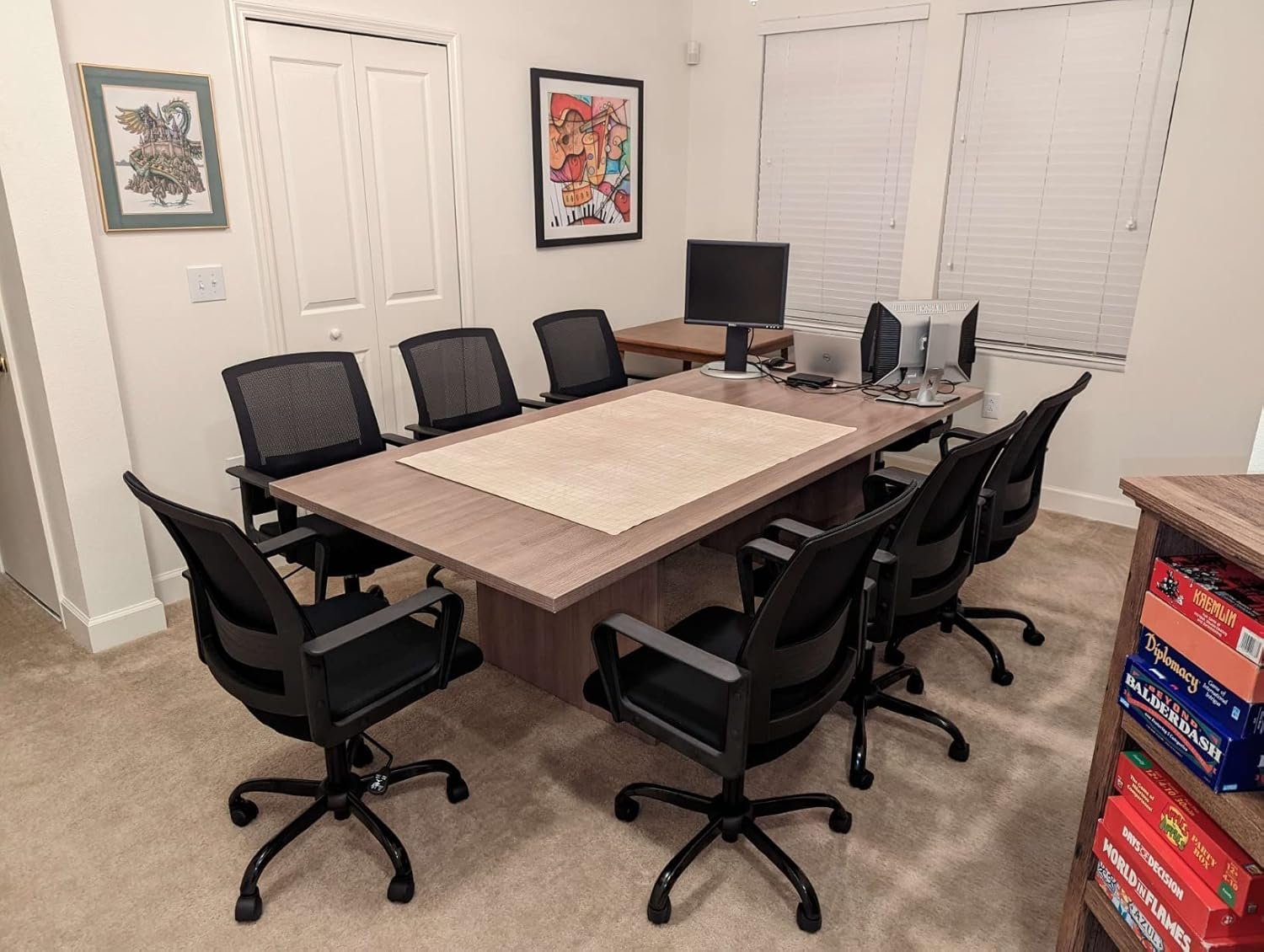
Update 10/16. Still liking this keyboard tray. I read in some other reviews where people say it doesn’t glide smooth. That is true to a degree. It is metal on metal so it’s not going to pull out super smooth, but it is not hard to pull the tray out or push it back in. I believe the directions say to lift it up when you push it back in, which does help make it a little easier as well. I’ve had no problems with stability. As I mentioned before the mounting bracket is in the middle of the board, so you are understandably, gonna have a little bit of flex on the left and right, but I have no complaints at all. It has not come loose. It is not falling apart and the finish on the keyboard. tray looks just as good as when I put it together.I have only been using this keyboard tray for a few days, but so far I am really satisfied. It feels like it is made well and I have no problem getting it to rotate to tilt to adjust height or slide back into the bracket. The Trey itself may feel like it is a little wobbly, but it is honestly not much and if you think about it, you’ve got a 25 inch wide tray that’s being held on by four screws in the center so of course you’re gonna have a little bit of movement on each side of that. But it is not anything to be concerned about.Installation was easy. Took about 10 minutes. I just taped the template up under my desk where I wanted the tray to be installed and we just installed the bracket over the template using it as a guide and then screwed the tray on and that was it. Was not hard or difficult to do at all.The pictures attached I was also trying to show what my desk looks like and what it looks like underneath from the installation standpoint. My desk has a little bit of a lip that sticks out from the front crossbar I guess you could call it. That is about an inch and a half to 2 inches wide so my bracket is set back a little further behind that. So the bracket iis not flush with the front of the top board of my desk. But you can see from the pictures, even with that bracket being set back, as it is when I push the keyboard in it still is not sticking out from my desk. So overall, I am very pleased. It works great.
JGC –
Great solid adjustable work surface!
This is a great keyboard tray. It provides a solid work surface and it is adjustable to the working height you need. Very easy to install. Comes with a template for drilling the holes and all hardware is included. One thing that could be a little better is the slide. It is a friction slide but works great and not reason enough for me to deduct any stars
Marty Z –
Decent tray – far from perfect. Responsive Customer Support.
The good: Installation instructions really good. Parts fit well. Good angle and adjustment.The middling: Single screw adjustment screw for tilt, and raise/lower makes this awkward to adjust. When you slide it, the keyboard tilts and is unwieldy. Tracks on which the tray slides are poor – slide i harsh and rollers don’t necessarily roll, but actually slide. meh…The best: Seller read my review, and offered a refund if I’m not satisfied. That’s great service.
Amazon Customer –
Cheap and effective
After reading a lot of reviews for this item, I had low expectations. BUT it was cheap and I needed something adjustable for working from home. Let me tell you that this keyboard tray is great! It arrived quickly, was packaged nicely, and was easy to install.It came with a drill template and instructions, which I found easy to follow. My desk has a 3in lip at the front, so I had to install the track further back, but the keyboard tray sits flush to my desk when pushed in, and still pulls out all the way (thankfully).The number one complaint I see in the reviews is that it’s hard to slide in and out, but if you just read the instructions, you will see that you need to lift up on the tray before sliding and it works just fine (see video). I haven’t even needed to put grease on the tracks. Also, there’s a lever underneath that is used for adjusting the height and tilt. Some reviews mention that it hits the knees or breaks easily. Firstly, it’s also adjustable; you unscrew the little screw on the end and you can put it in a more comfortable position. Secondly, if you break it, you are tightening it way too much! You don’t need to crank it down to keep the tray secure.If you happen upon this review and you’re still on the fence, let me tell you that this keyboard tray is a good option. It’s affordable and it’s one solid piece (I’ve seen many other cheap ones that are two). It’s not fancy by any means, but it works!
Simon –
I purchased this in search of a piece that will fit beneath my sit-stand desk. The portion you attach under the desk is advertised as being 9.87″ in size, although it is more like 14.2. Additionally, the keyboard tray’s measurements are incorrect. Would not recommend.
NP –
This was easy to install, has weight, thick metal and works really well. It has some flexing but they all do. It’s a high quality keyboard tray and is easy to adjust.
EdC –
Great product. I’m very happy with how solid it is. An important heads-up: The mounting piece needs 14-1/4 inches of clear space behind the front edge. (I had to move the table desk structure back a couple of inches to make this work.I don’t mind that the track is a bit sticky. It stays where you put it. I might end up putting a bit of grease in there at some point, but for now it seems like it’s more of a plus than a minus.Also, the wrist rest is a bit thick for a thin keyboard (Apple Magic or Logitech K580), but I ended up just not using it. (It comes as a stick-on. I ended up removing it.)The surface itself works well enough not to need a separate mouse pad. That’s also a plus.I’d definitely recommend it, and buy it again if I needed another.
Woomera –
It has sturdy build quality on par with other HUANUO products.I only wish they would fix/add these two components:1. The sliding mechanism requires you to pull the tray up and slide it under the table. It doesn’t slide as smoothly as you would expect.2. If you are using a wired mouse/keyboard the cables will just hang under the table and since the mouse is lightweight it would be constantly pulled.
BlueVista –
I read all the helpful reviews below before buying this keyboard tray at the Prime price. The suggestion to inset the installation by 4” from the edge allows for a chair with arms to tuck in enough to look like it’s not sitting out awkwardly (and the tray can be pulled out entirely from under the desk). Otherwise, I would’ve taken the arms off my chair. I attached the tray to a standard IKEA desktop. Installation was straightforward because I could flip the desk over. If you can’t do that, I recommend using a drill to put in pilot holes and the wood screws provided, and a helper to hold the heavy frame in place.The package was delivered quickly. The box contents were well padded with foam.Materials were sturdy and heavier than I imagined. Time will tell if the IKEA desktop will hold the screws. It held the previous lighter plastic tray without problems. There are six wood screws, so the odds of all of them failing at the same time are unlikely (I hope). The plastic lever to adjust and hold the tray in your preferred spot is an odd note compared to the heavier steel plates and MDF (?) tray, but works when you meet resistance as you tighten. I wouldn’t overdo it. A right-angle screwdriver will help with the back two screws for the tray where the frame gets in the way. Or switch to a screwdriver to avoid stripping the screws.I was a bit worried at how hard it was to initially move the retracting piece to prepare for installation. Those worries disappeared once everything was in place. I pull the tray in and out by the two corners with a light touch without needing to WD40 anything. If I pull from the centre, the tray’s angle sometimes alters slightly. I left the wrist rest off as it made me put weight on the tray and got in my way of typing — I prefer having a clean, flat surface. If you like your keyboard at an angle, you’ll probably need it.If you have to go under your desk for cable management, remember to account for the lower clearance for your head. I, alas, forgot.I’ve used the generic plastic keyboard trays before. Those had no room for a mouse like this one does. I prefer having no lip around the tray. Neither my mouse nor keyboard move much as I move the tray.I’m pleased with this purchase.